Caregivers
Stop Sharing
Stop future access for a connected caregiver device or share.
It is easy to stop future caregiver access in Baby Food Tracker & Allergies.
Premium caregiver sharing
This guide applies if you use Premium caregiver sharing. Stopping sharing prevents future access. Already received data may remain on the receiver device depending current product behavior.
Steps
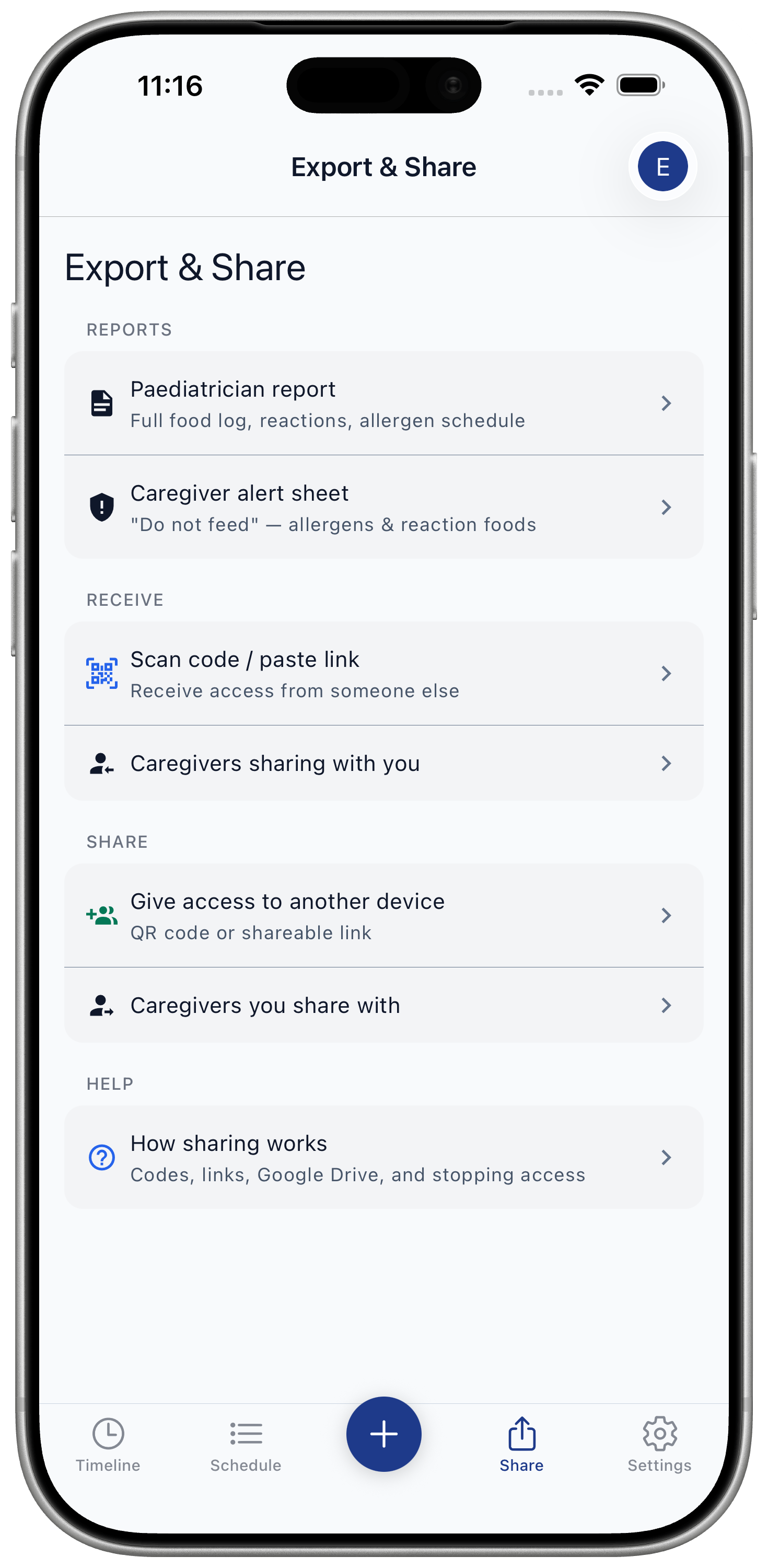
- Open Share / Export.
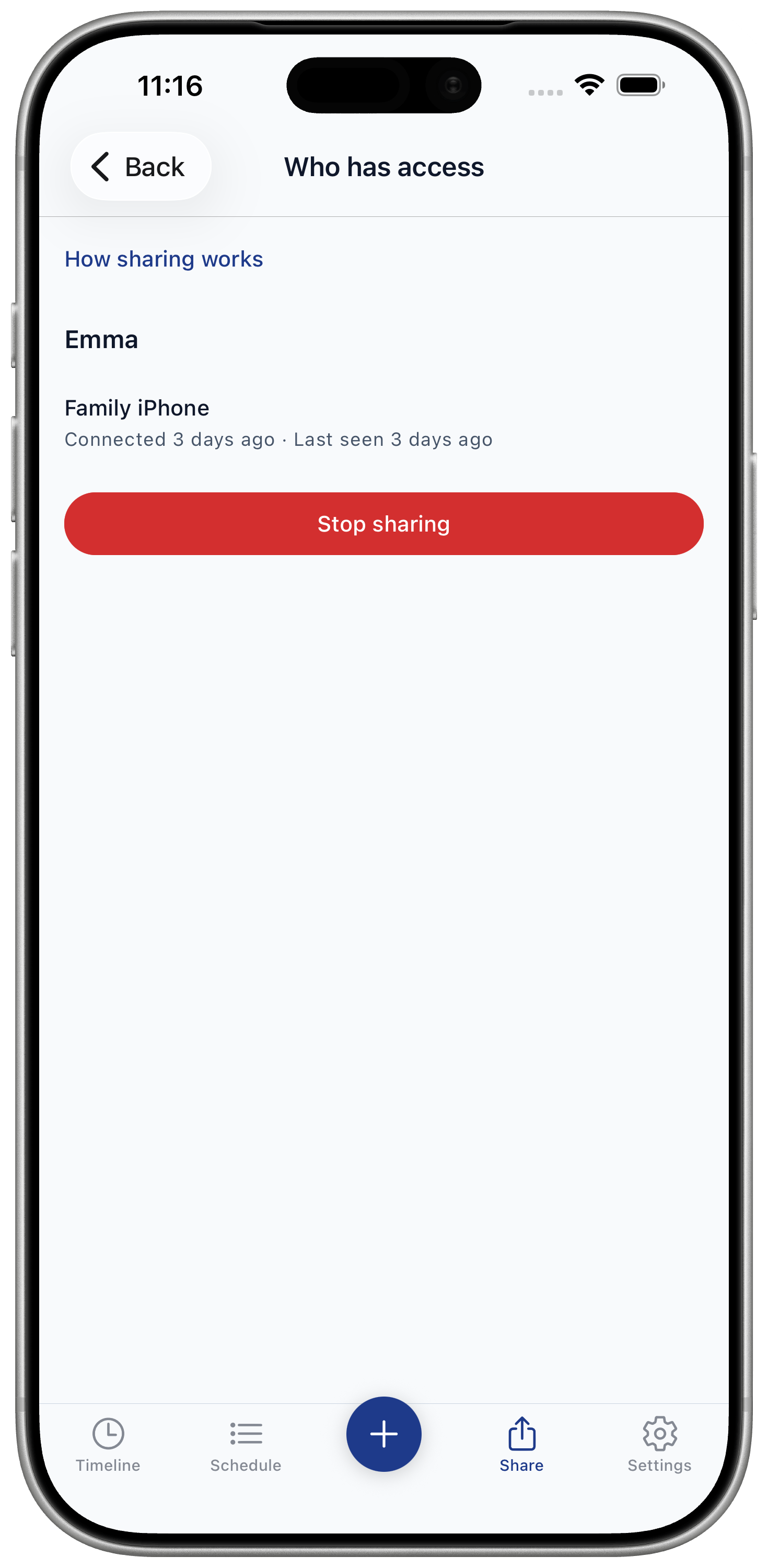
- Open connected devices.
- Choose device or share.
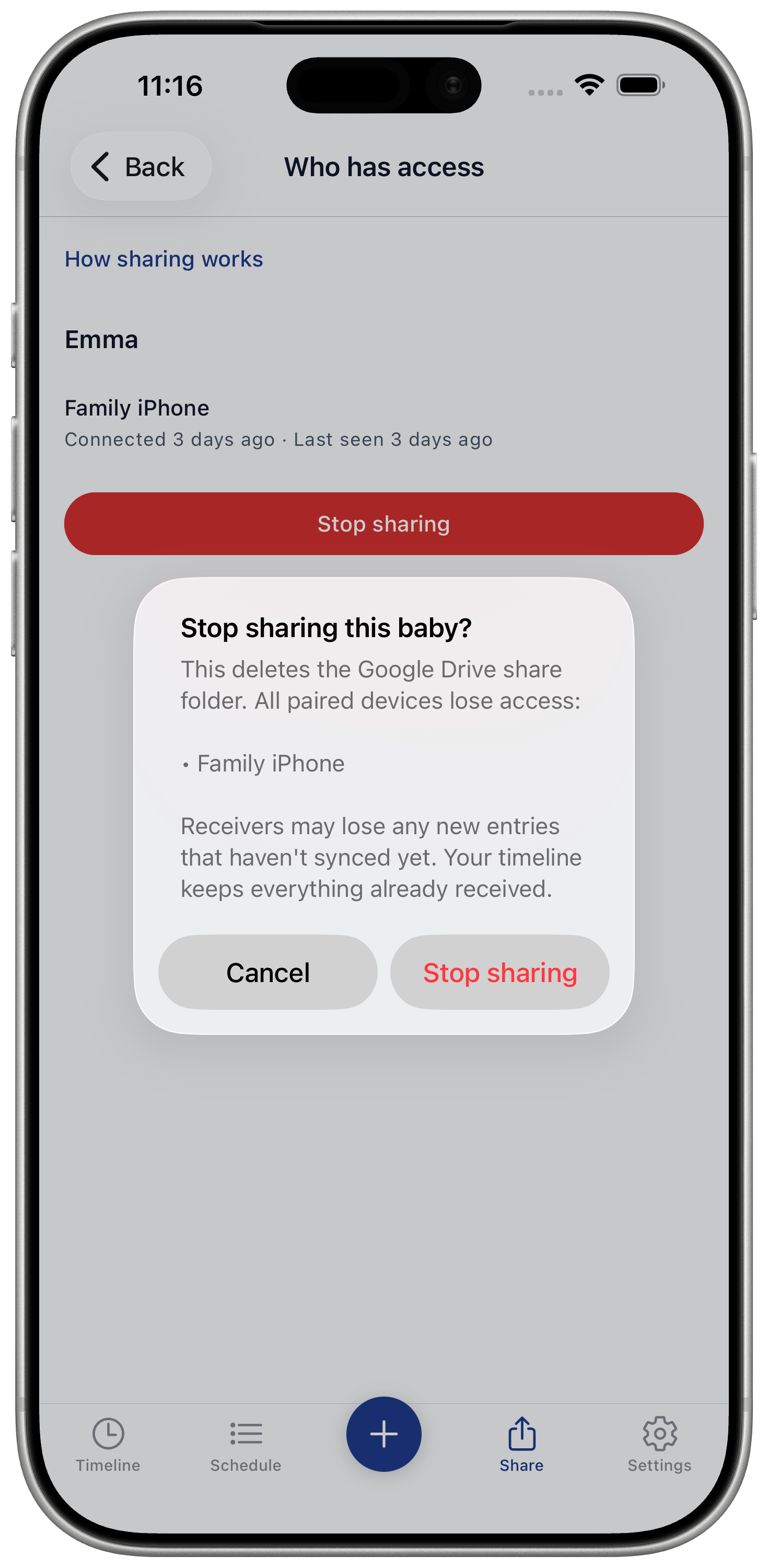
- Stop sharing.
What changes
Stopping sharing removes the shared Google Drive folder connection for paired caregiver devices.
- Paired devices lose future access.
- Unsynced receiver entries may not reach your timeline.
- Your timeline keeps entries already received.