Reports
Export a Paediatrician Report
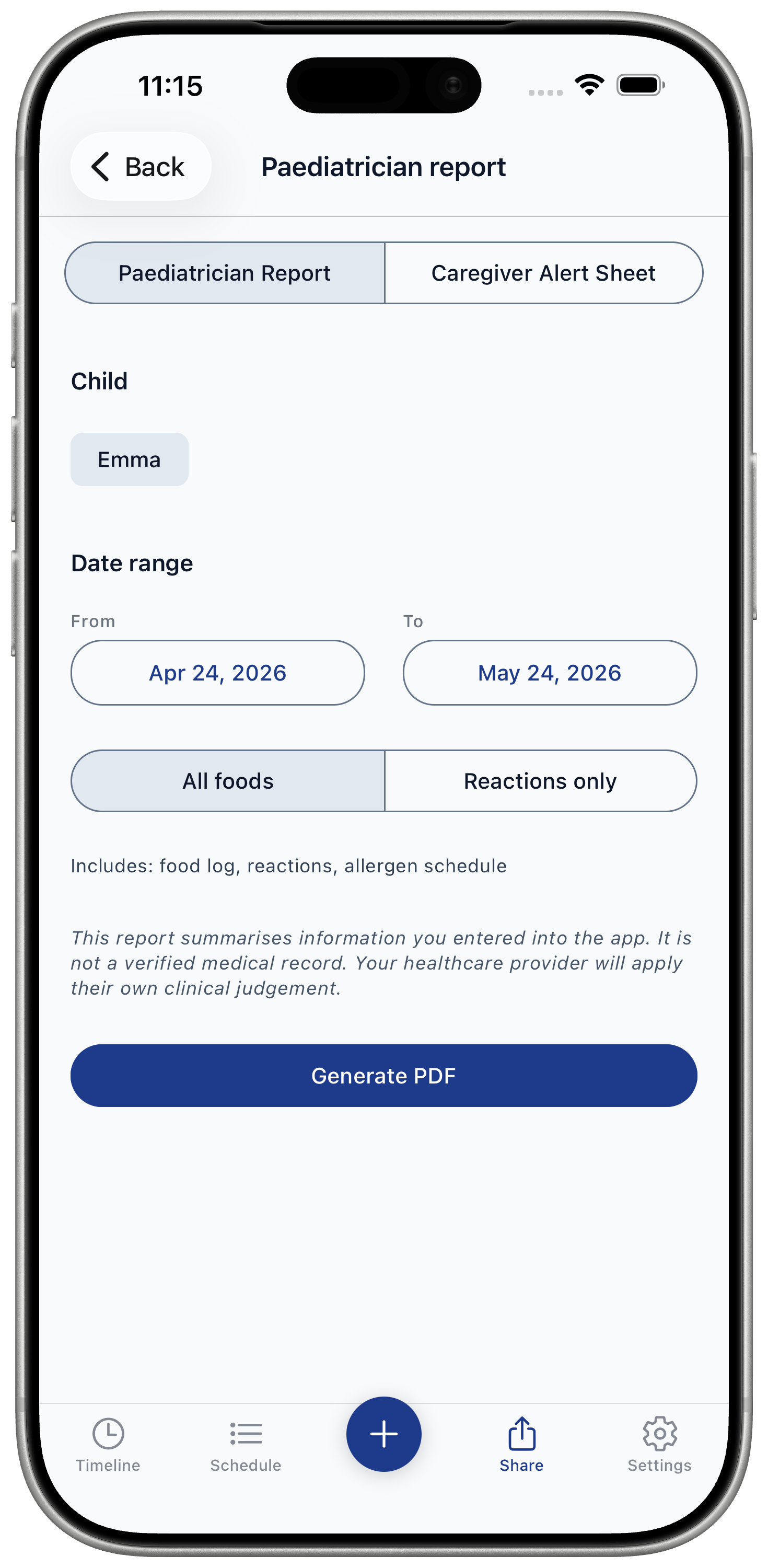
Generate a PDF summary of entered data before an appointment.
It is easy to export appointment-ready notes with Baby Food Tracker & Allergies.
Premium feature
Available with Premium. The report summarizes data entered into the app. It is not a verified medical record.
Steps
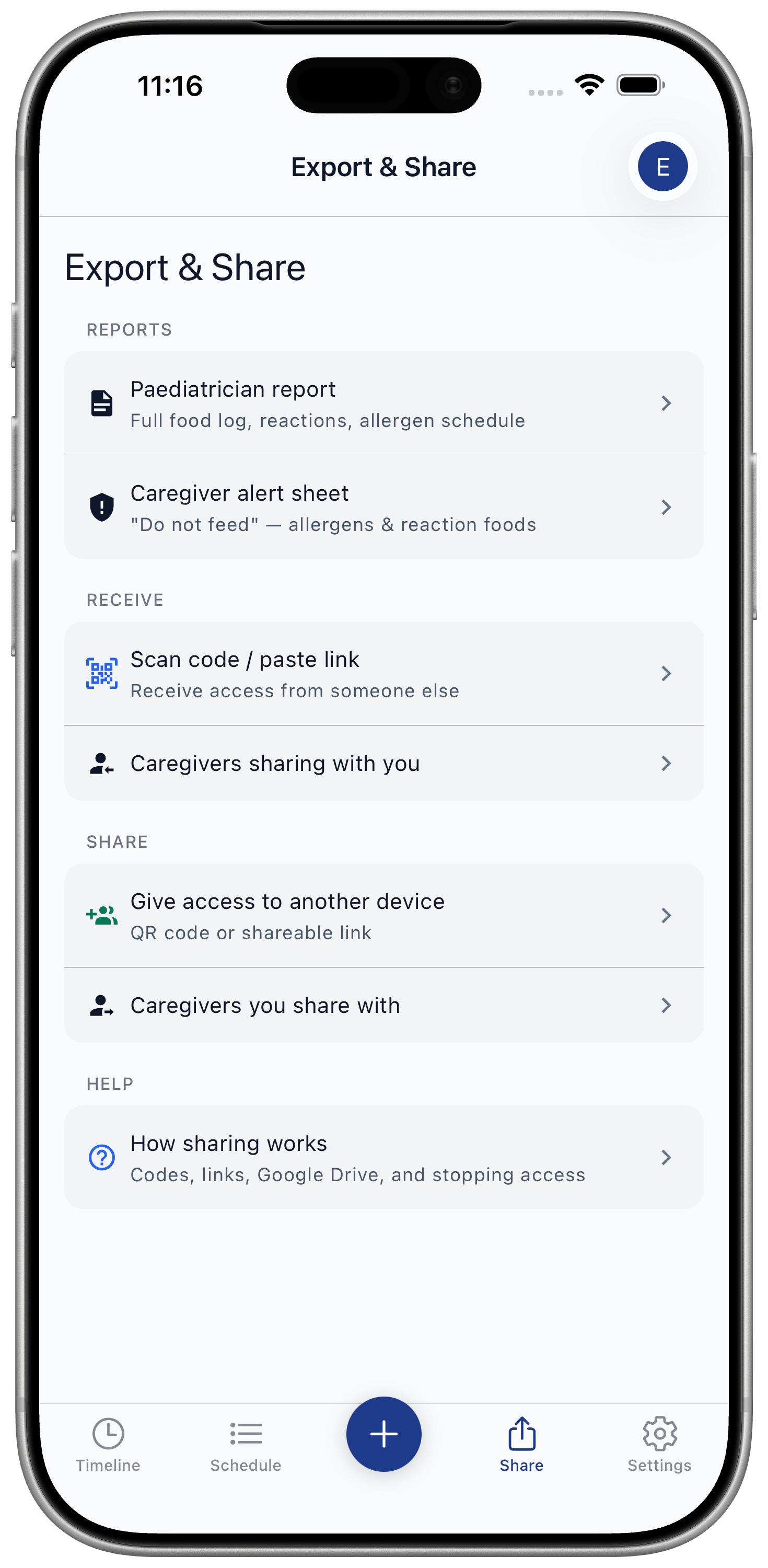
- Open Share / Export.
- Choose Paediatrician report.
- Select date range.
- Generate PDF.
- Share via the system sheet.
Use this before appointments when you need a concise food history, reaction timeline, and allergen progress summary.