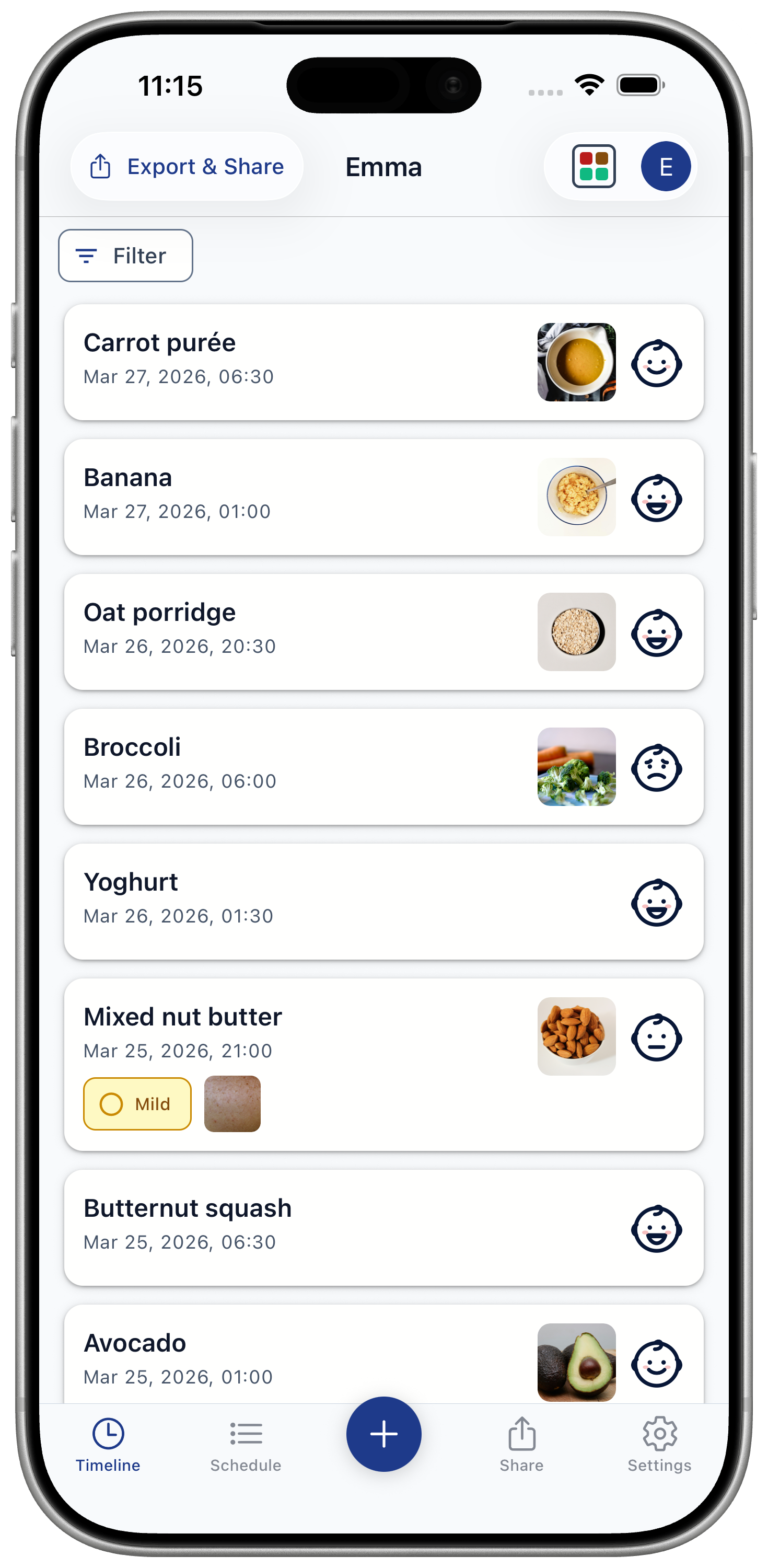
Timeline
Check Food Status
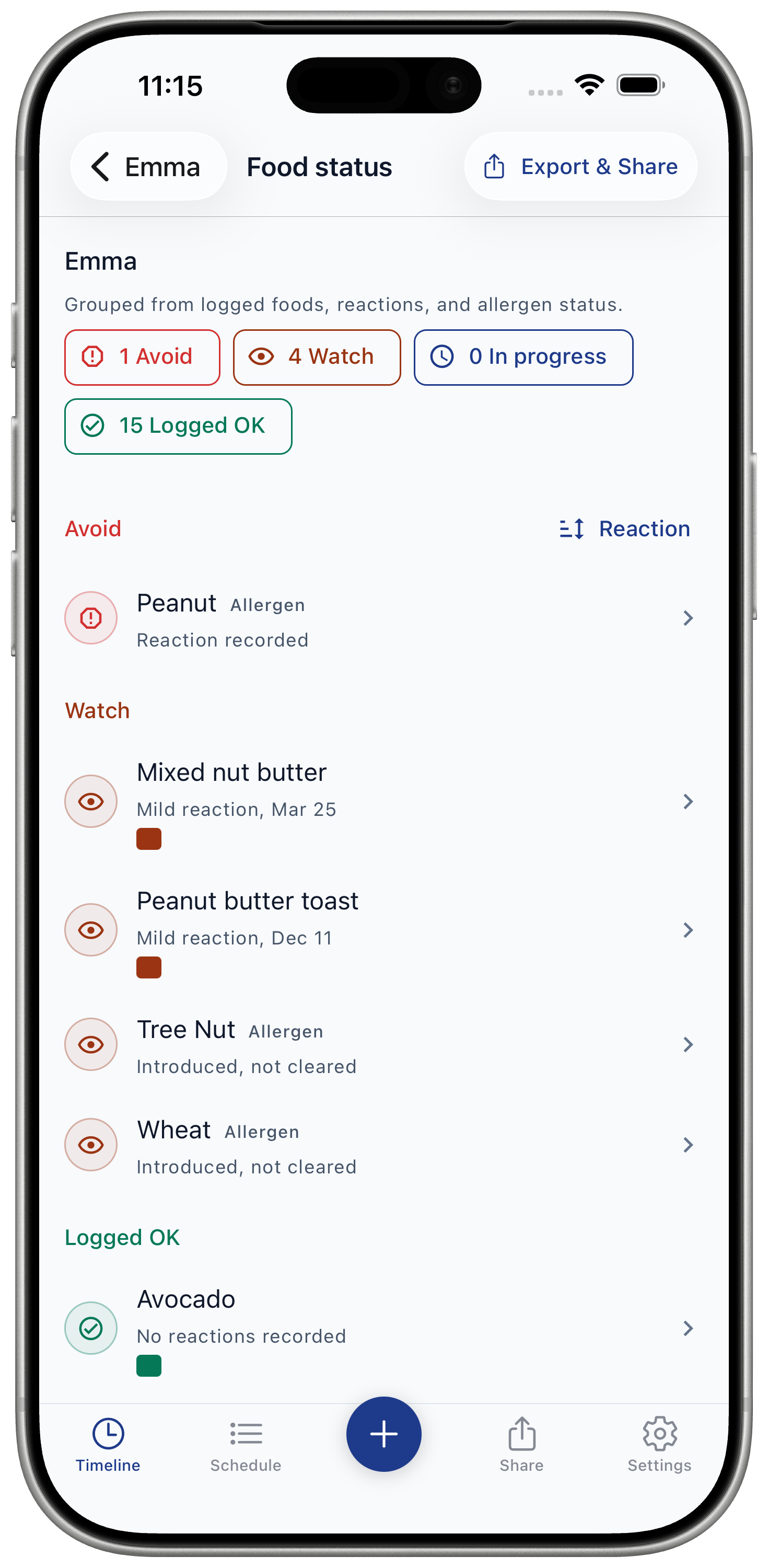
Food Status groups logged foods, reactions, and allergen schedule items into Avoid, Watch, In progress, and Logged OK.
Use it in Baby Food Tracker & Allergies to scan what needs attention before logging another food or preparing a report.
Record view, not medical advice
Food Status reflects saved records. Logged OK means no reaction is recorded for that grouped food, or the allergen was marked cleared in the schedule. It does not mean the app has decided a food is safe.
If your child has severe symptoms, seek urgent medical help.
Steps
- Open Timeline.
- Tap Food Status in the header.
- Use status pills to filter Avoid, Watch, In progress, or Logged OK.
- Tap sort to switch between risk, recent, and A-Z.
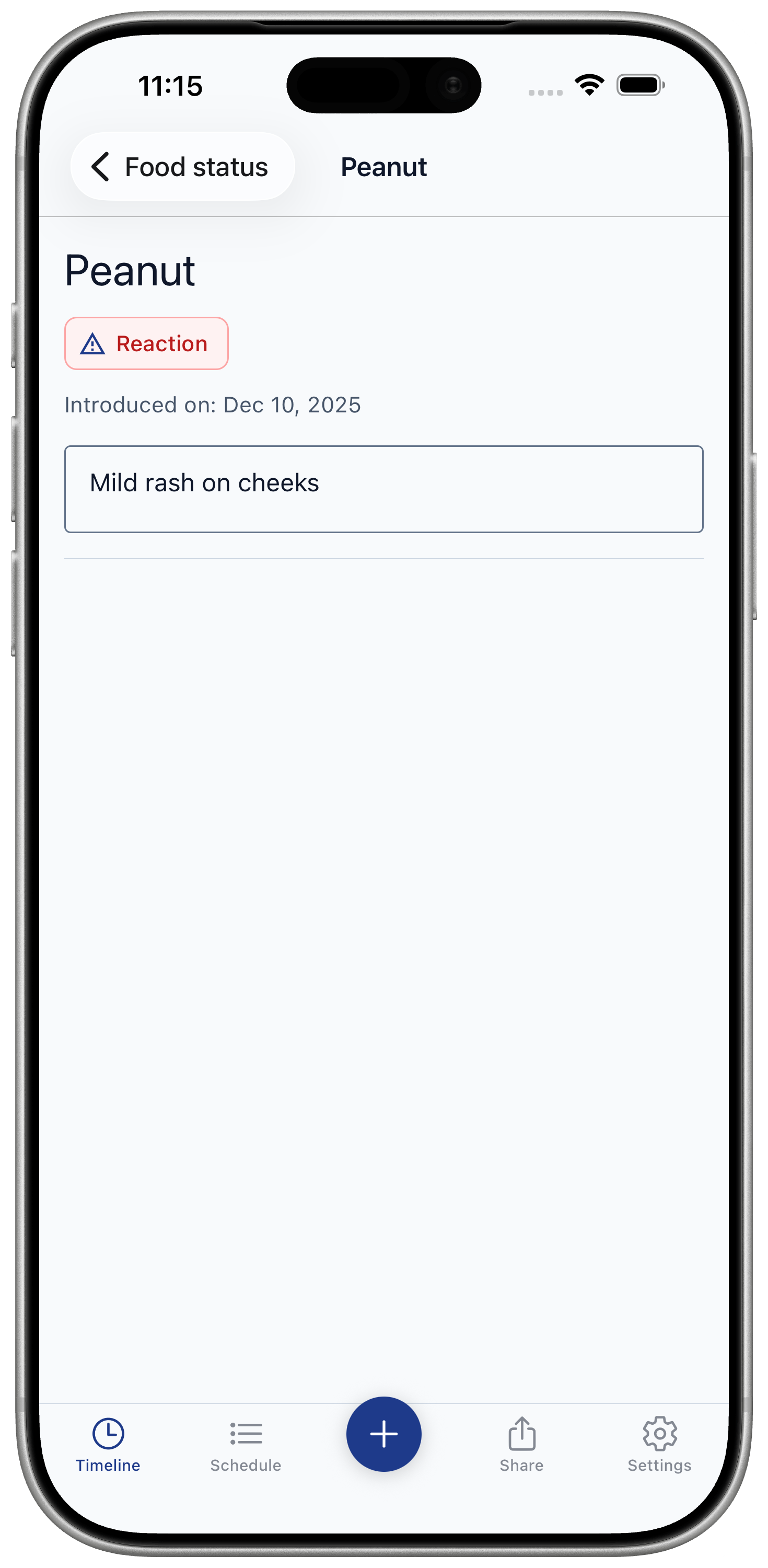
- Tap a food or allergen row to review the detail behind that status.
What each status means
Avoid
A severe reaction or reaction-status allergen exists in the saved record.
Watch
Mild or moderate reaction evidence exists for that food or allergen.
In progress
An allergen introduction window is active in the schedule.
Logged OK
No reaction is recorded for that grouped food, or the allergen is cleared in the schedule.