Caregivers
Create a Caregiver Approved Foods Sheet
Make a PDF snapshot of cleared allergens and foods eaten with no reaction after follow-up.
Baby Food Tracker & Allergies makes it easier to share a clear feeding reference with daycare, grandparents, nannies, or other caregivers.
Premium feature
Available with Premium. Approved foods sheets are snapshots. If your records change, regenerate the PDF and send the updated version.
The sheet reflects saved records. It does not make medical decisions. Follow your clinician's advice for allergy plans and severe reactions.
Steps
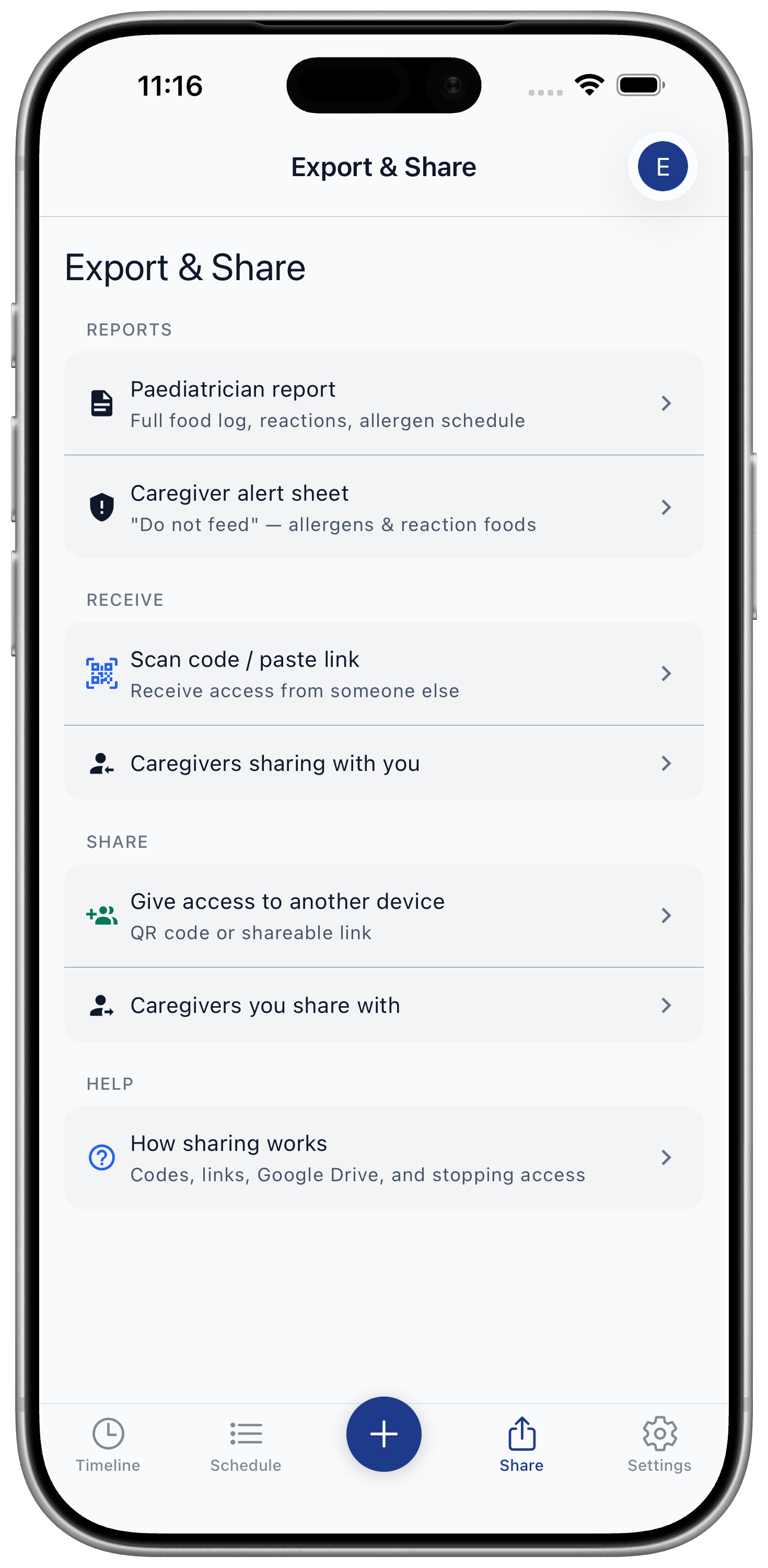
- Open Share / Export.
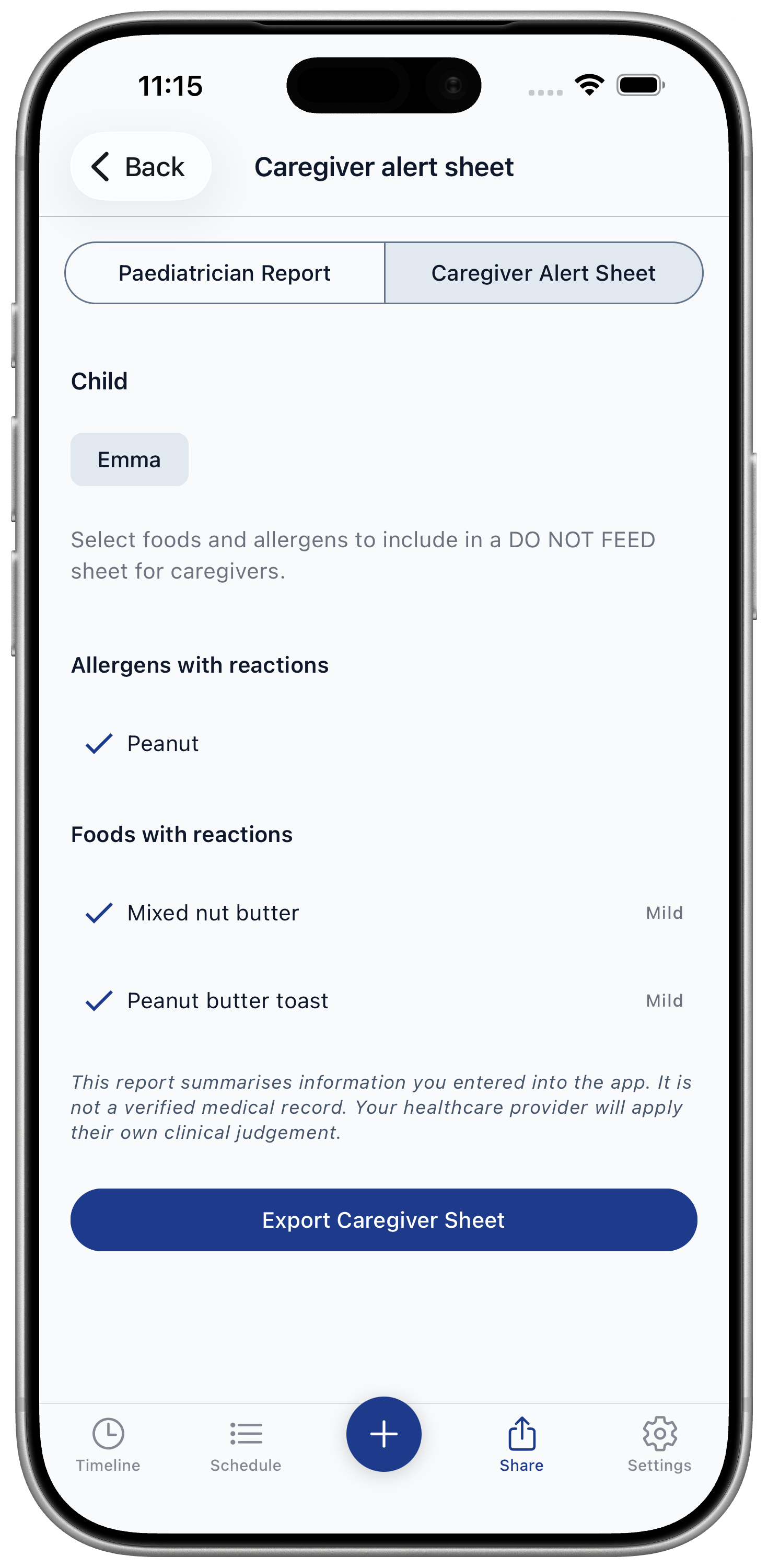
- Choose caregiver approved foods.
- Review cleared allergens and foods eaten with no reaction after follow-up.
- Generate PDF.
- Send to the caregiver.
What appears on the sheet
- Cleared allergens
- Allergens marked cleared in the allergen schedule.
- Foods eaten with no reaction
- Foods logged with no reaction after the follow-up/cooldown point has passed.